
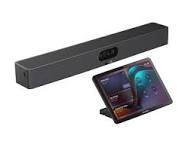
MeetingBar A25
Small Space with Big View
All-in-one video bar
for focus rooms
Ultra-Wide Clear View
AI-Powered View
AI-Powered Audio
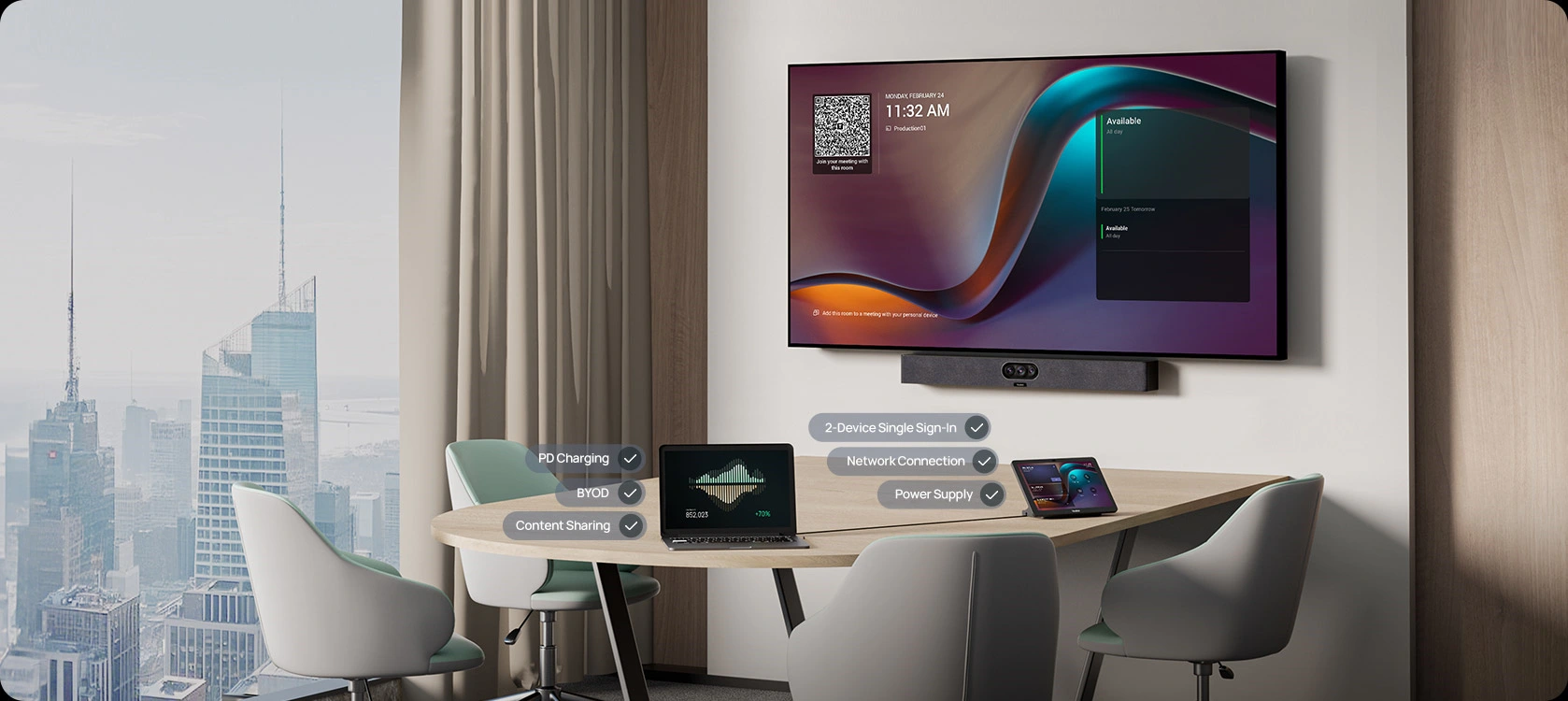
Simplify with One Plug
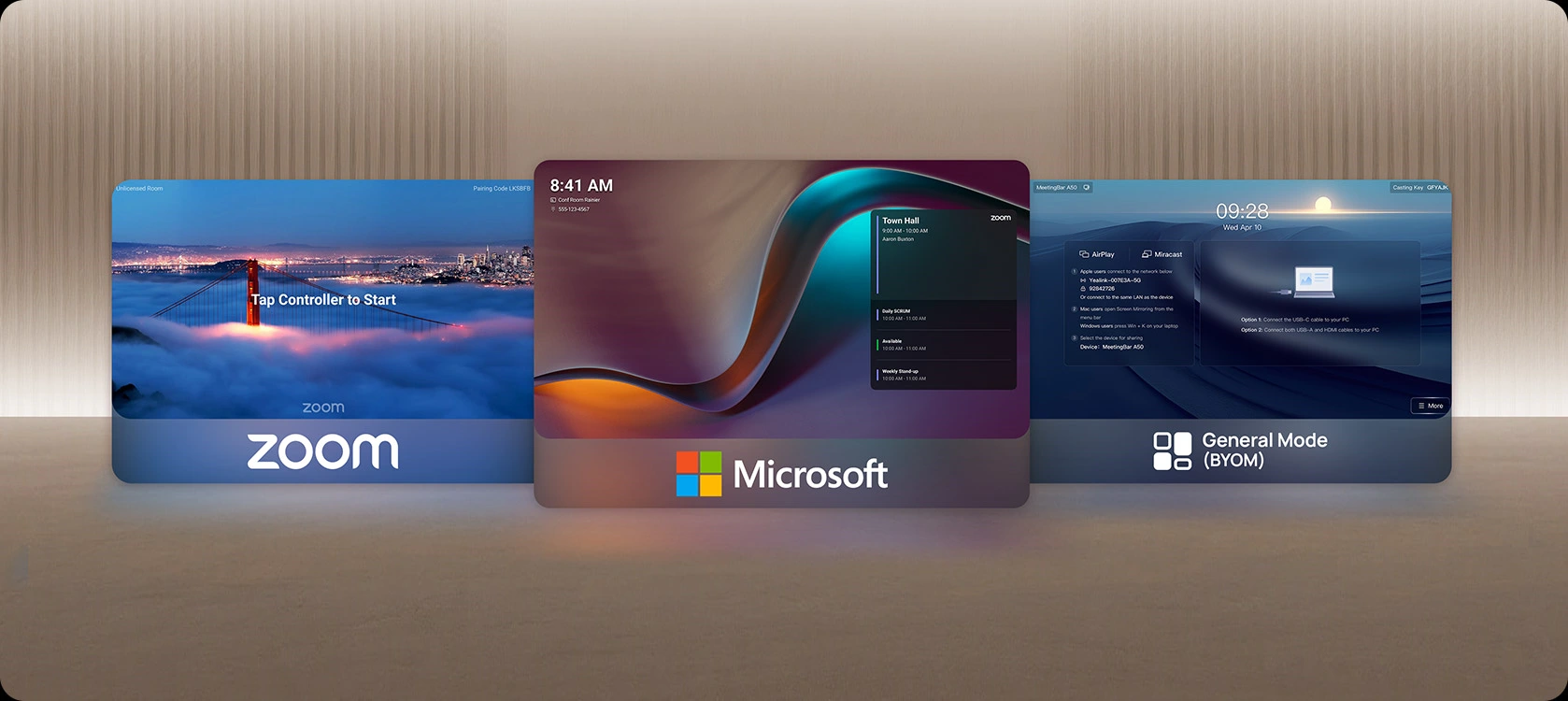
More Platforms
Designed for Simplicity
MeetingBar A25 is an all-in-one video bar designed for compact focus rooms, offering easy deployment and seamless use.
Want a closer look? Drag the A25 and discover it in 360°.
Built for Wide. Tuned for Clear.
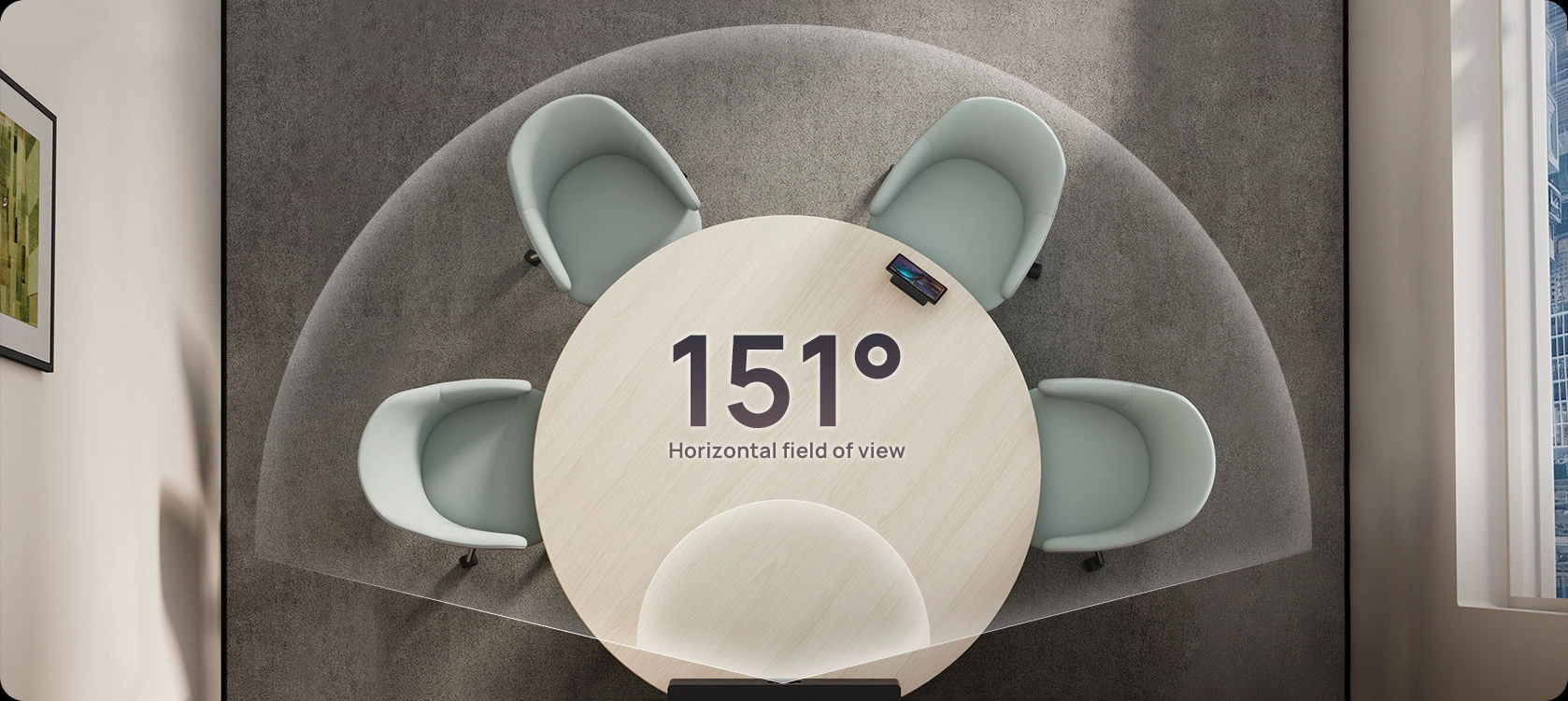
The MeetingBar A25 offers a precisely calculated 151° field of view, perfectly balancing ultra-wide coverage with clear image quality. Designed for real-world focus rooms with curved tables pushed against the walls, it uses one ultra-wide lens plus two telephoto lenses to maintain sharp, edge-to-edge visibility–capturing every participant clearly in tight spaces.
Our experts will show you how A25 handles real-world meeting spaces with wide-angle clarity.
Be Impressive with AI-Powered View
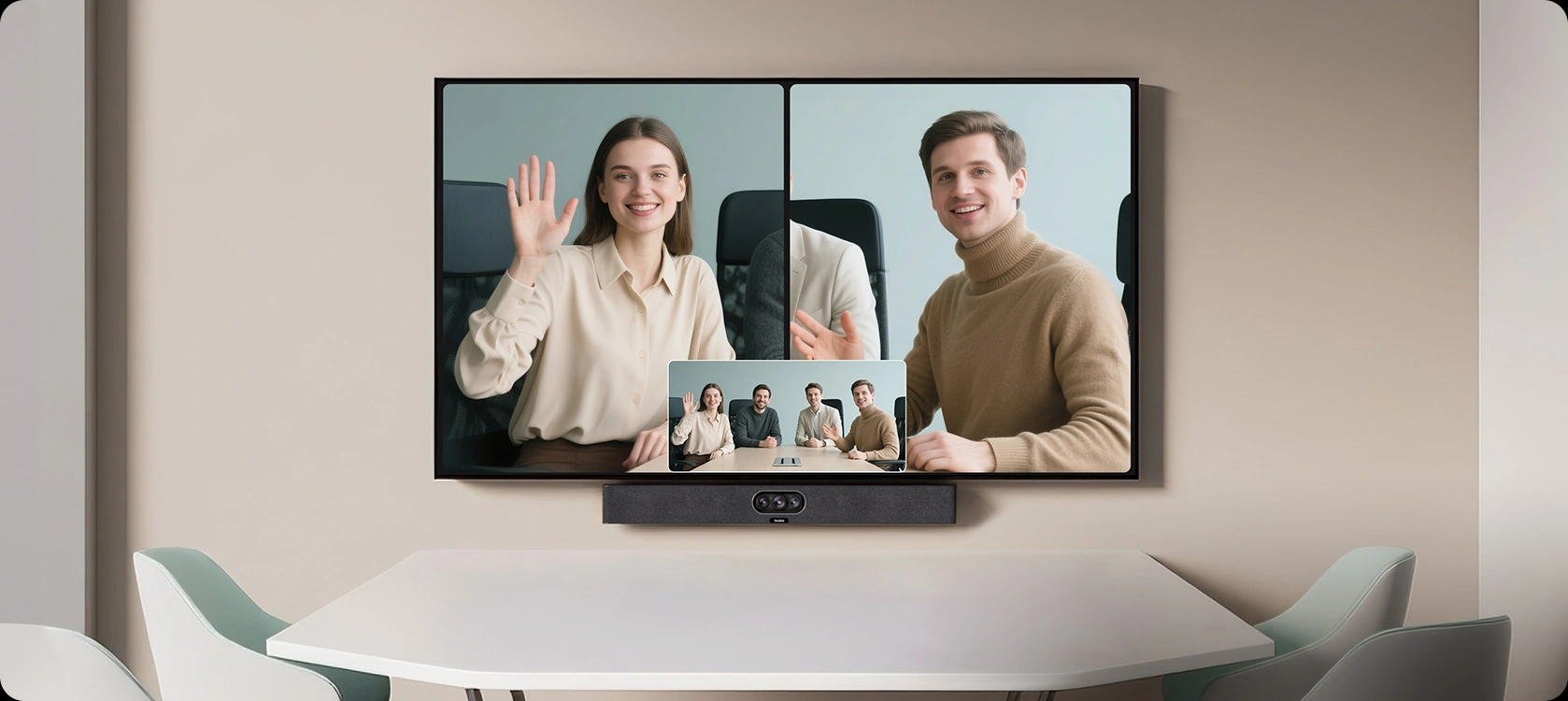
The MeetingBar A25 ensures everyone is equally impressive and important in a virtual meeting.
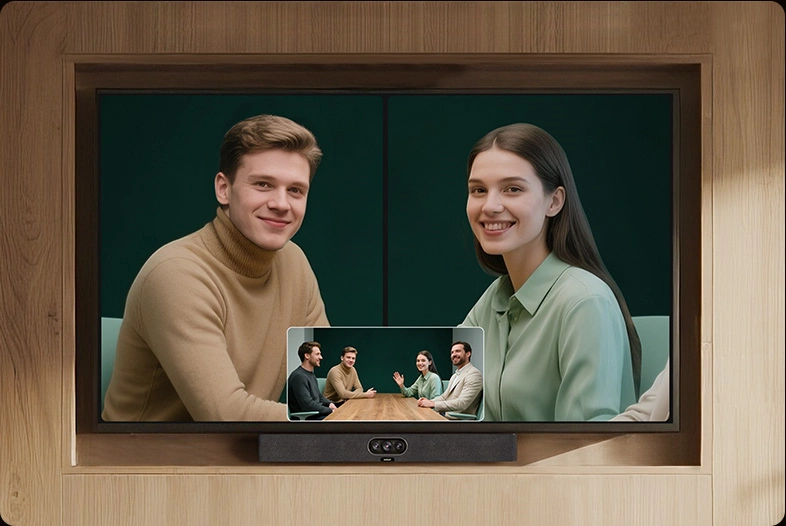
Embrace a new level of meeting equity.

The on-device IntelliFocus feature displays real-time close-up shots of the recent speakers, enabling you to stay focused on what truly matters. Feel free to make your points just as you would in a face-to-face conversation.
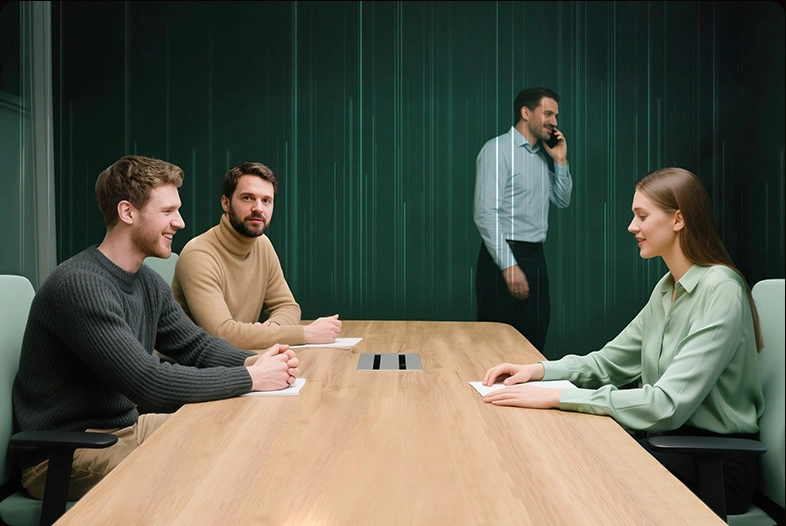
The Video Fence feature marks the boundaries of a virtual meeting space. Your colleagues only see and hear what’s inside, keeping the focus solely on your point.
Hear and Be Heard with AI-Powered Audio
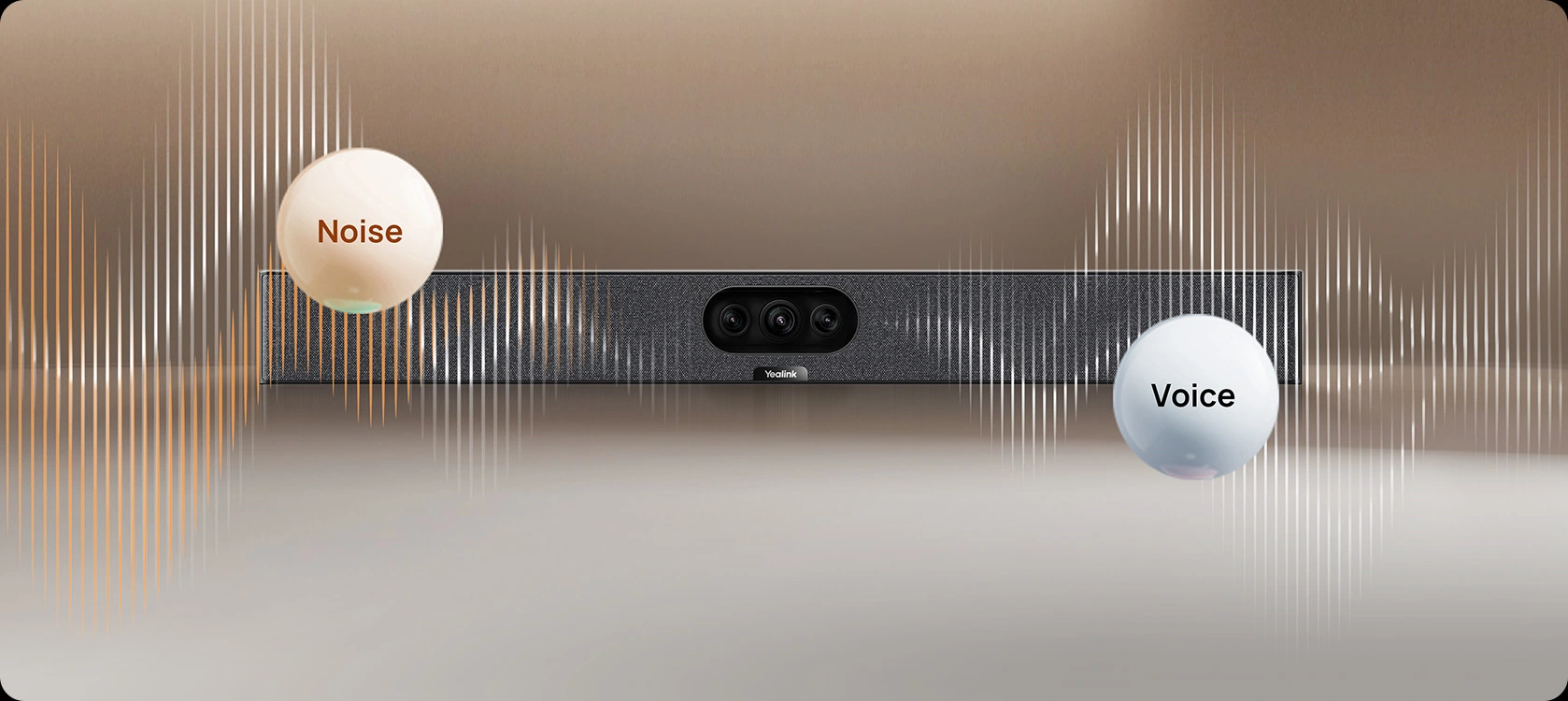
A25 ensures smooth communication with full-duplex audio, letting everyone speak and be heard at the same time without overlap. Its advanced AI-Enhanced Noise Cancellation filters out background sounds, delivering clear, natural voice quality in any space.
MeetingBar A25’s One-Cable Solution simplifies deployment and sharing in 2 ways.
A single Cat5e cable from the bar to the touch console provides power and network
connectivity to the touch console, eliminating extra cables. Signing in on the touch console
synchronizes the entire system, removing the need to sign in on the touch console.
Additionally, a single USB-C cable from the touch console to the PC enables 4K sharing,
BYOD, and PD charging.
Flexibility Maximized
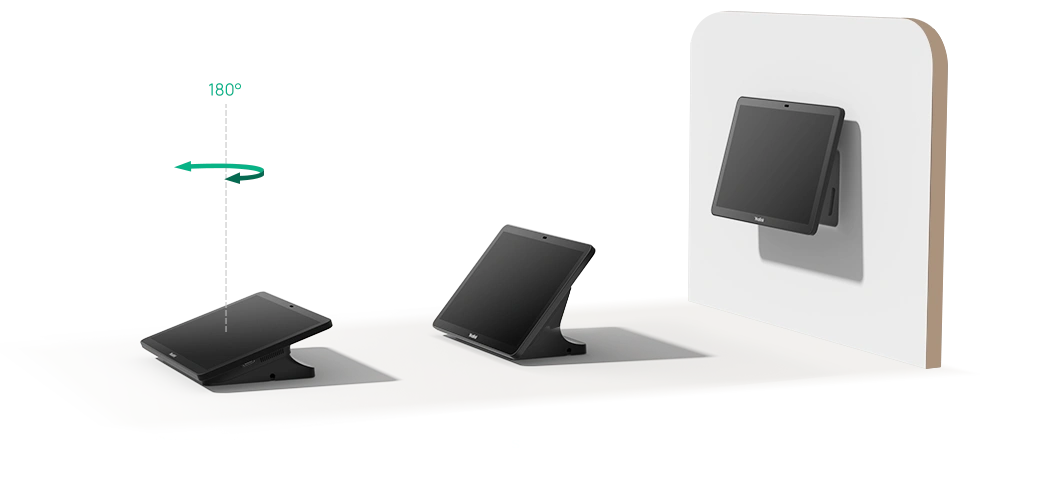
The touch console CTP25 can be mounted on the desk or wall, and it offers flexible
connectivity options with direct connection to the bar or via IP.

Android Based, Meetings Secured
MeetingBar A25, based onAndroid 13, supports theMicrosoft Device
Ecosystem Platform (MDEP), ensuring a future-proof and secure meeting
experience that effectively combats malicious attacks and data leaks.


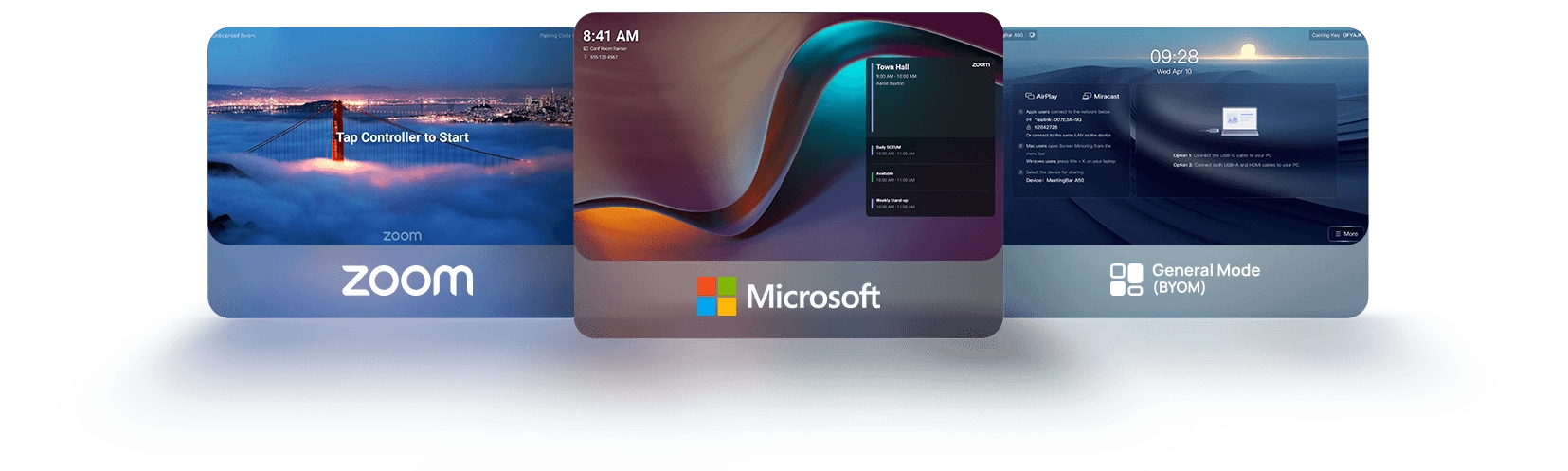
Meet Your Way
Yealink MeetingBar supports diverse video platform experiences.
No matter which platform you use, start your meeting right now!

Management Over the Air
Master devices in bulk with professional management platforms such as Microsoft Teams Admin Center (TAC), MTR Portal Management Platform (PMP), Zoom Device Platform (ZDM) and Yealink Management Cloud Service (YMCS).

Manage Devices in Bulk
Upgrade and update phones in bulk by specifying firmware and resources.

Get Real-time Alarms
There are multiple alarms such as poor call quality and firmware upgrade failure. Set notification emails to ensure IT admins won’t miss any alarms.

Schedule Tasks Worry Free
Implement management tasks during off-hours to ensure business continuity, and view the execution results of each task to provide you with peace of mind.


Reviews
There are no reviews yet.